HockeyUmpire app icon HockeyUmpire

Field hockey · iPhone + Apple Watch

Run your match without staring at the clock.

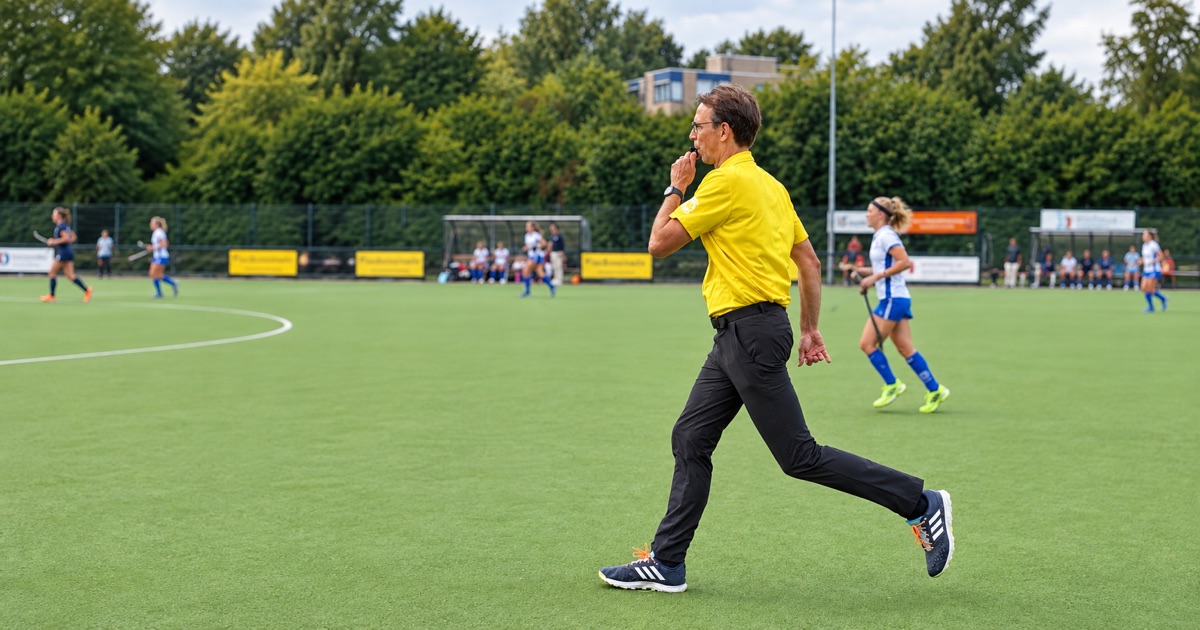
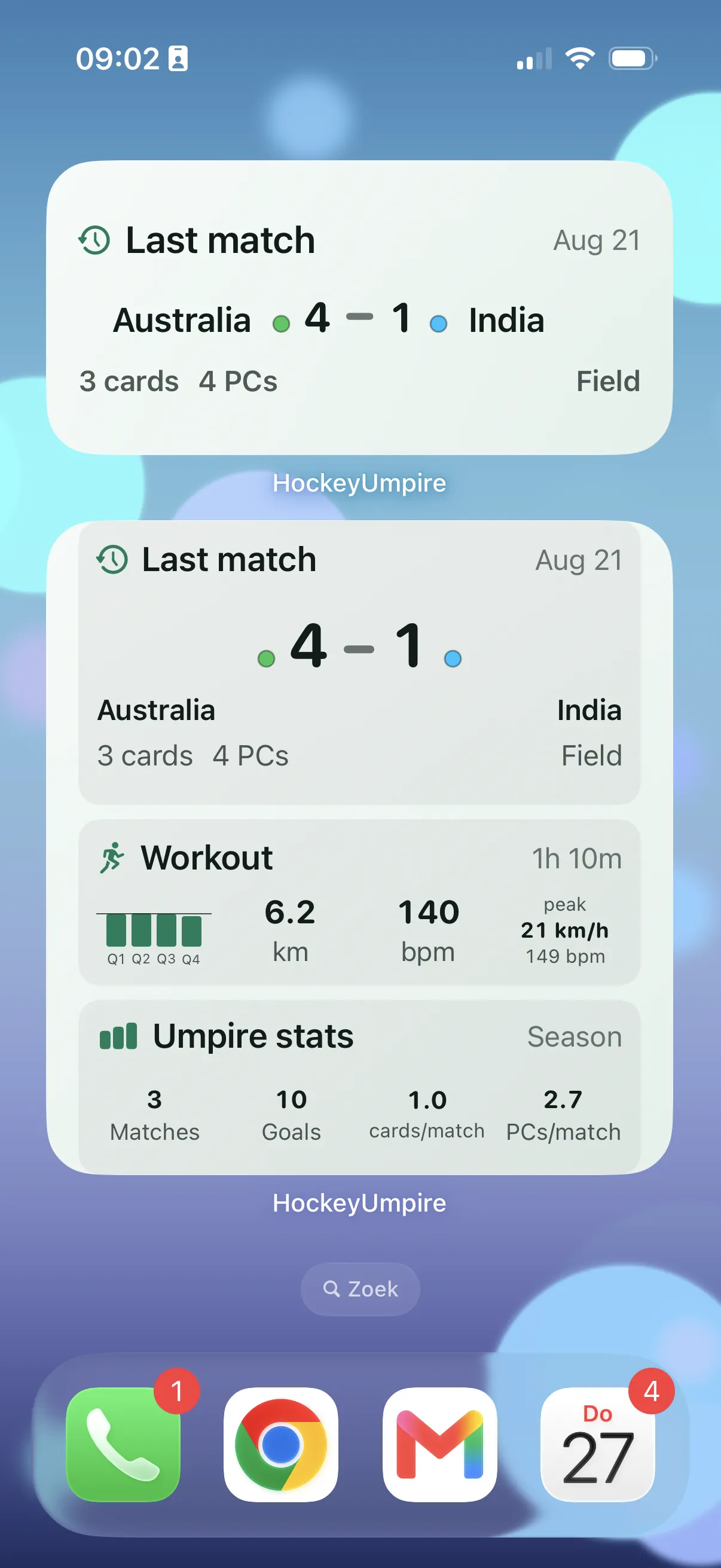
HockeyUmpire keeps time, score and key match moments clear on iPhone and Apple Watch. For advanced umpires, the Watch is the best “during-the-match” cockpit — while the iPhone stays perfect for setup, history and sharing.

Free (v1) Offline-first iPhone + Watch ready

Beta coming soon on hockeyumpire.app.

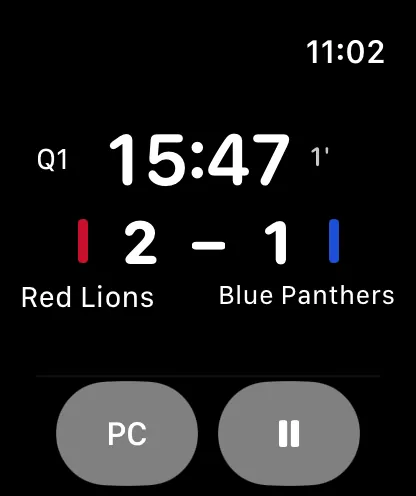
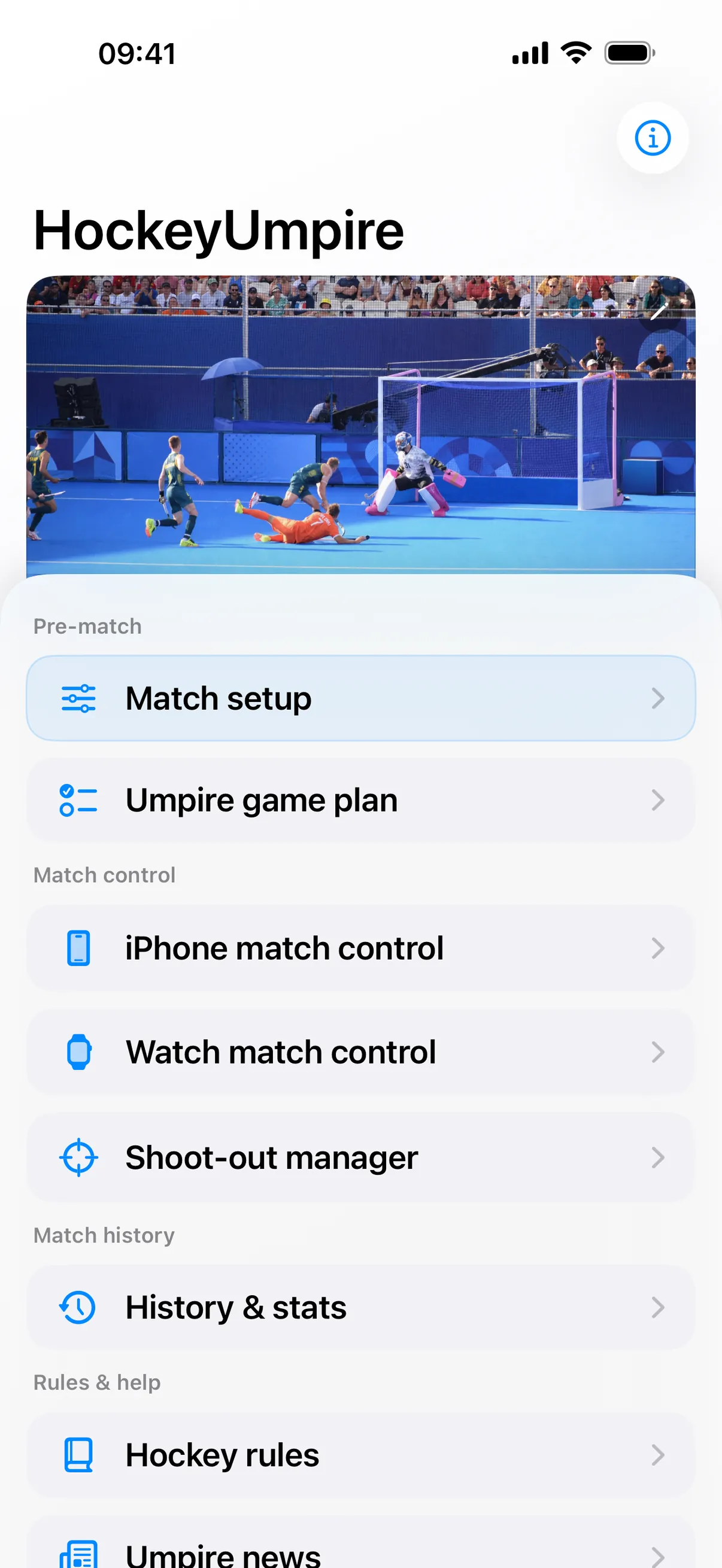
iPhone match setup screen Apple Watch match screen with penalties

How HockeyUmpire fits your level

Same app, different depth. You can keep it simple — or use it like a full match cockpit.

  1. Incidental

    Time & goals, clearly on iPhone

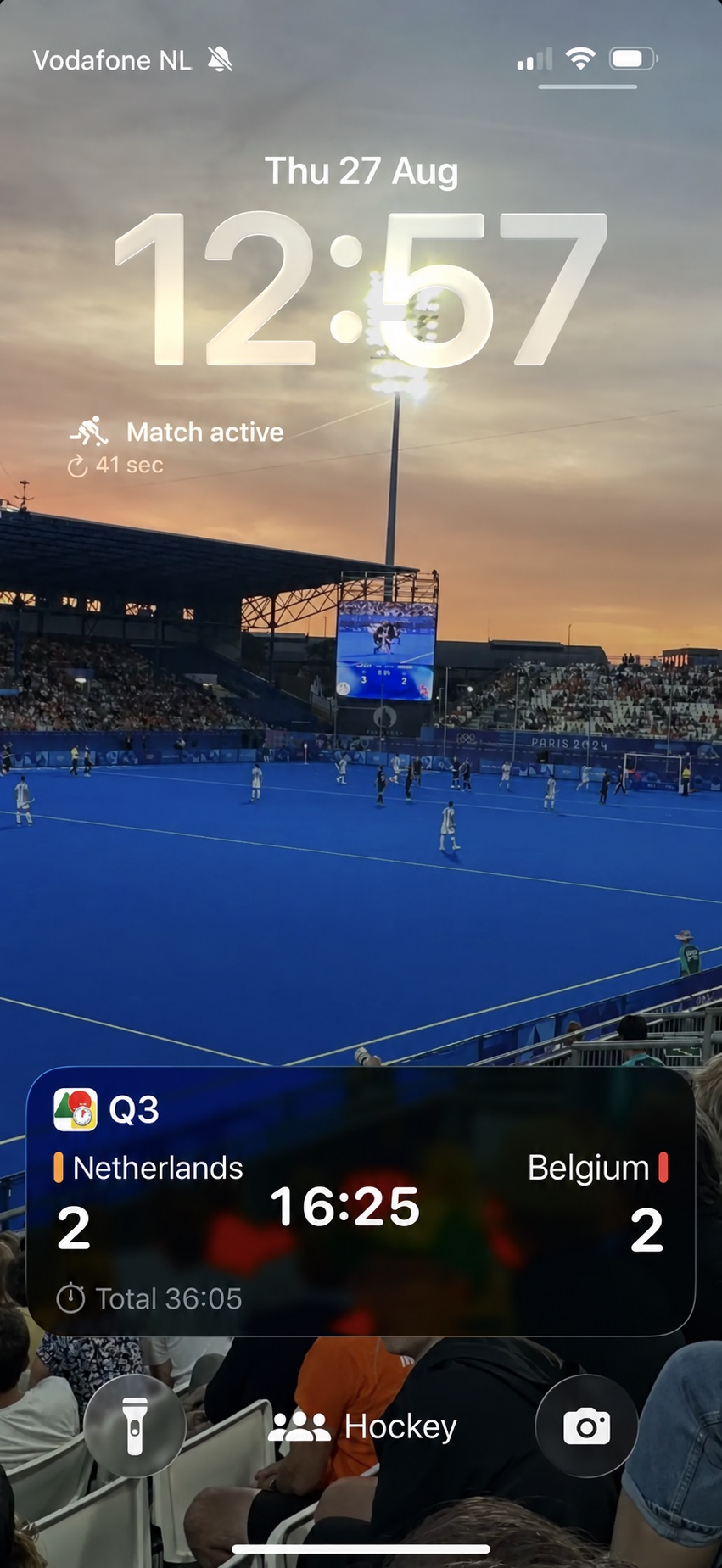
    Perfect for the occasional umpire: big time and score, minimal taps, and a push notification when a period ends — so you don’t keep glancing like a nervous meerkat.

  2. Advanced

    Full match control on iPhone and Watch

    Advanced features work on both devices, but most umpires prefer the Watch during the match: you keep your eyes on play while your wrist gives you quick controls and optional haptics. Afterwards, the iPhone is ideal for reviewing results and sharing.

  3. Pro (planned)

    Paid Pro tools for serious umpires

    Pro is planned for v2: advanced insights, sync and richer administration. Core match control stays free.

Setup stays fast and visual

Every match starts with a quick iPhone setup: give teams a name and color, pick match format, and you’re ready. Then you choose where the match runs: iPhone or Watch.

Incidental

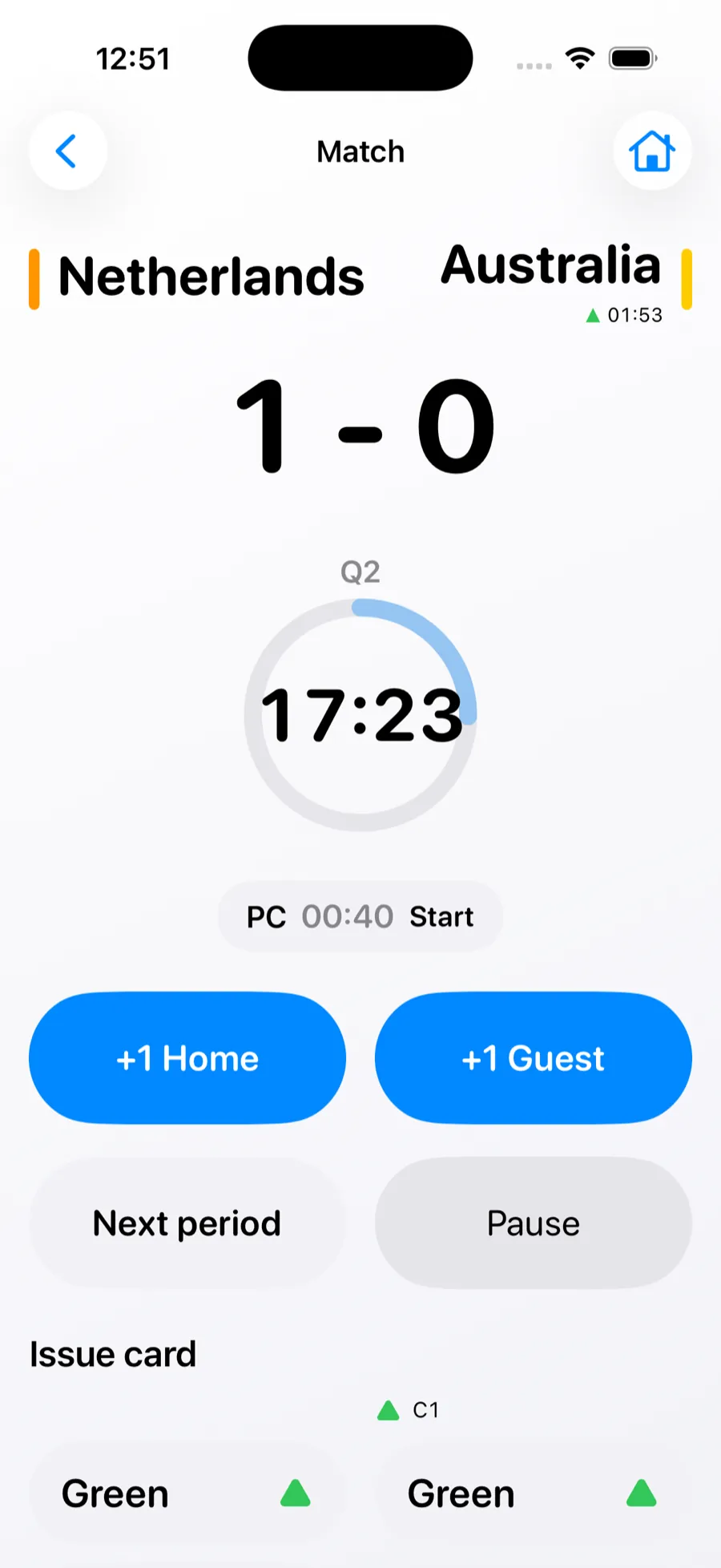
iPhone: simple match control

  • Big, readable time and score.
  • Period-end push notification so you don’t keep checking.
  • Calm UX that prevents accidental mistakes.
iPhone match control
Advanced

During the match: Watch-first

  • Cards with timers and clear active penalties.
  • Penalty corner counter (PC).
  • Optional haptics on Watch (when using the PC timer).
  • Same advanced tools also available on iPhone.
Watch penalties
Pro (planned)

Paid Pro features (v2)

  • HealthKit integration to track physical load.
  • Manual correction of running time (Apple Watch).
  • Personal statistics and insights.
  • iCloud sync for matches and settings.
  • Player number registration for cards, plus more.

All core match control will remain free.

Feature overview

A small “what do I get where” matrix. Short, practical, and built for scanning.

Feature iPhone Apple Watch Pro (planned)
Match setup (team name + color, format)
Match timer (start/stop, periods)
Score (+1 / -1)
Penalty corners (PC timer / counter)
Cards (issue + timers)
Haptic signals (when using PC timer)
Period end notifications
Match history (overview + details)
Share results (WhatsApp / iMessage)
HealthKit physical load tracking
Manual time correction (Watch)
iCloud sync (matches + settings)
Player numbers for cards

Advanced features work on both devices — but using the Watch during play keeps the match flowing. The iPhone is where setup, history and sharing shine.

Screens

A quick tour of the iPhone and Apple Watch experience.

FAQ

Getting started

1. What is HockeyUmpire?
HockeyUmpire is a match control app for field hockey umpires. It helps you manage match time, periods, goals, penalty corners, and cards using your iPhone or Apple Watch.
2. Is the app free?

Yes. HockeyUmpire is free to use.

As a hockey umpire myself, I believe that players and officials at all levels deserve the best possible support to lead a match with confidence. That is why all core match control features are available for free.

In a future version, we plan to introduce optional paid features for higher-level umpires who want additional insights and advanced tools.

3. Do I need both an iPhone and an Apple Watch?
You always need an iPhone to configure a match. During the match, you can control the match on either your iPhone or your Apple Watch.
4. Why is match setup done on the iPhone?
Match setup is done on the iPhone because entering team names, colors, match duration, and rules is faster and clearer on a larger screen.

Match setup & device choice

5. What happens after I configure a match?
After completing Match Setup on the iPhone, you can start the match from:
  • iPhone Match Control (via the home screen), or
  • Watch Match Control (via the Watch home screen)
You decide where the match runs when you start it.
6. Can I start a match directly on the Watch?
No. In v1, every match must first be configured on the iPhone in Match Setup. Once configured, you can start and control the match on the Watch.
7. Can I switch between iPhone and Watch during a match?
No. In v1, the match runs on one selected device only. There is no live syncing or switching between iPhone and Watch during a match.

Match control

8. What can I control during a match?
On the active device (iPhone or Watch), you can:
  • Start and stop the match timer
  • Move to the next period
  • Add or remove goals
  • Start penalty corner timer
  • Issue and expire cards
9. Can I correct the score if I made a mistake?
Yes.
  • On iPhone: long-press the +1 goal button to subtract a goal (-1). This prevents accidental score changes.
  • On Apple Watch: the score screen includes a dedicated -1 button for quick corrections.
10. How does issuing a card work on iPhone?
When you tap a card button on iPhone, you can choose between:
  • Issue card → the card is registered in the match, or
  • Show card → the card color is displayed full-screen on your iPhone.
This is useful if you do not have physical cards with you. To cancel without taking action, simply tap anywhere outside the card selection.

Timer, lock & notifications

11. Does the match timer keep running when my phone is locked?
Yes. The match timer continues running when the iPhone is locked or the app is in the background.
12. Why do I receive a warning when my battery drops below 30%?
We want to help you avoid your phone or Watch running out of battery during a match. HockeyUmpire is designed to keep battery usage as low as possible, but battery health and conditions vary per device. A low-battery warning helps you assess the risk and act in time.
13. Why does the app use notifications?
Notifications help you stay in control when the app is not visible. They warn you when:
  • A period ends
  • A card penalty time expires
You can turn notifications on or off in the app’s Settings. If you do not receive notifications, also check your iPhone’s system notification settings.
14. What happens if another app opens over HockeyUmpire?
The match continues running. When you return to the app, the current match state is restored.

Watch usage

15. What happens if the Watch screen turns off during a match?
The match continues running. When the Watch screen turns back on, the app restores the current match state.
16. Why does the Watch app sometimes leave the foreground?
watchOS manages foreground apps strictly to save battery. HockeyUmpire is designed so the match keeps running even if the app is temporarily not visible.

Match history, sharing & rules

17. Where can I see matches I have already officiated?
All completed matches are stored in Match History, where you can see an overview of all matches you have officiated.
18. Can I share match results?
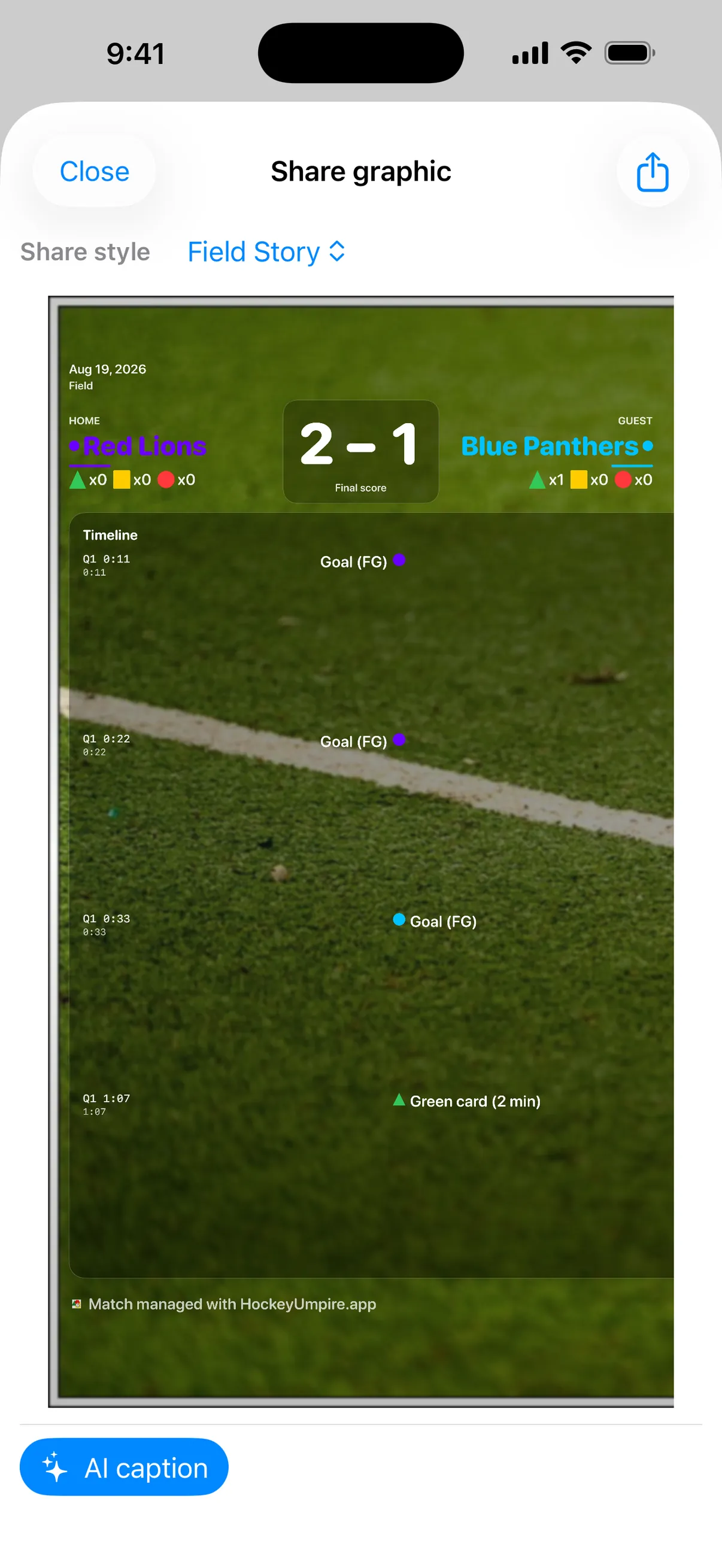
Yes. When a match is finished, the results are stored in Match History. When you select a match, you can share the results with one tap, including:
  • Final score
  • A basic match timeline
  • Issued cards
You can share this via iMessage, WhatsApp, or other supported services.
19. Can I delete matches from Match History?
Yes. In Match History, use Edit or swipe left on a match to delete it from the list.
20. What information can I see in Match Details?
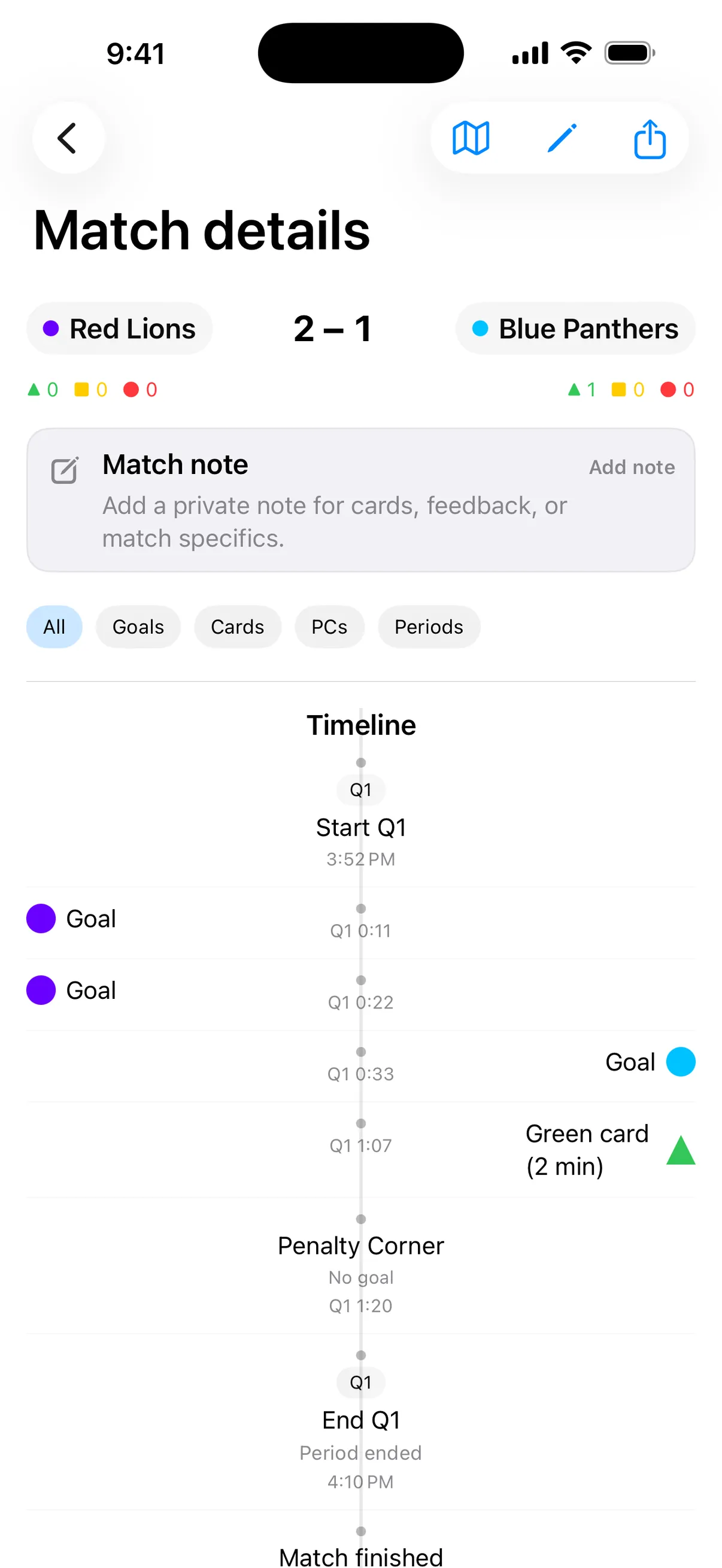
From Match History, you can open the Match Details screen to view:
  • Final score
  • Issued cards
  • Penalty corners (if the penalty corner timer was used)
21. Where can I find hockey rules?
From the home screen, the Hockey Rules section provides links to most national hockey federations and their official rules.

Pro features & roadmap

22. What paid features are planned for future versions?
Planned optional Pro features include:
  • HealthKit integration to track physical load
  • Manual time correction on Apple Watch
  • iCloud sync for matches and settings
  • Personal statistics and insights
  • Recording player numbers for cards
  • Optional player numbers for goals
  • Recognition of multiple cards for the same player
  • Smart UX hints to support decision-making (without taking decisions away)
All core match control will remain free.

Troubleshooting

23. The app closed or restarted — did I lose my match?
No. HockeyUmpire attempts to restore the last active match automatically. You may briefly see a recovery state, but match data is preserved whenever possible.

Last updated: January 2026

Privacy

Offline-first. No tracking. No analytics. No external servers.

Last updated: January 2026

HockeyUmpire respects your privacy. The app is designed to work entirely offline and does not collect, process, or transmit personal data to external systems.

Contact

info@hockeyumpire.app